Decide which color leads the arrangement
Look at the largest color areas in the artwork first. Blue water may cover much of a scene while green trees occupy a smaller area, or the balance may be reversed. Decide whether you want the picture to repeat the room’s existing palette or introduce a noticeable change. Neither approach requires every cushion, curtain, and accessory to match.
If the room already contains several strong colors, start with one connection. A blue print can echo a blue textile without sharing exactly the same shade. A green landscape can relate to plants or painted cabinetry. These are visual suggestions rather than scientific claims about color, health, or mood. Choose the relationship you enjoy seeing in the space.
Compare lightness and warmth, not only the color name
Two pieces both described as blue may look very different against the same wall. A pale blue area creates a different contrast from a dark blue area, and a blue-green image can read differently next to cream, gray, or warm timber. Compare the actual image rather than selecting only from the color category name. Include the amount of dark and light detail in that comparison.
Try a simple pairing exercise: place a sample of the wall paint or a nearby textile beside the screen, then step back. Next, compare it with the room itself under daylight and your usual evening lamps. A screen is useful for planning but does not provide an exact physical color proof. Its brightness and settings can affect what you see, so avoid treating a digital match as a guarantee.
Repeat a small accent without copying the whole palette
The red cabin in Red Cabin, Quiet Water provides a small warm accent within the surrounding blue-green scene. You could echo that accent with one rust-colored object or leave it as the only warm note in the grouping. The aim is to compare emphasis: repeating the accent makes it a connection, while leaving it alone makes it a point of contrast.
Consider the frame as another color area. A dark border can connect with dark furniture details, while a light border can relate to pale walls or trim. A wood-tone option can sit alongside existing timber without pretending to be an identical material or finish. Use the exact framed configuration’s mockup to judge how much visual weight that border adds.
Check the whole wall before adding more pieces
If you are making a group, compare the pieces as one arrangement. Repeat a subject, color, or frame choice to create a visible connection, then let another detail vary. For example, a water scene and a tree scene can share blue-green areas while differing in composition. You do not need to repeat every feature, and empty wall can be part of the arrangement.
Browse blue art prints when you want to compare water, sky, or other blue areas. Explore green art prints when green is the stronger connection to your room. The same artwork can belong in both collections because these pages describe visible colors, rather than mutually exclusive product types.
Before selecting a product, use the wall art size guide to test the arrangement’s footprint, and compare canvas with framed and unframed prints for the edge treatment you prefer. curateddd’s example artwork is AI-generated; its watercolor-style appearance describes the image, while the selected material describes the physical print.
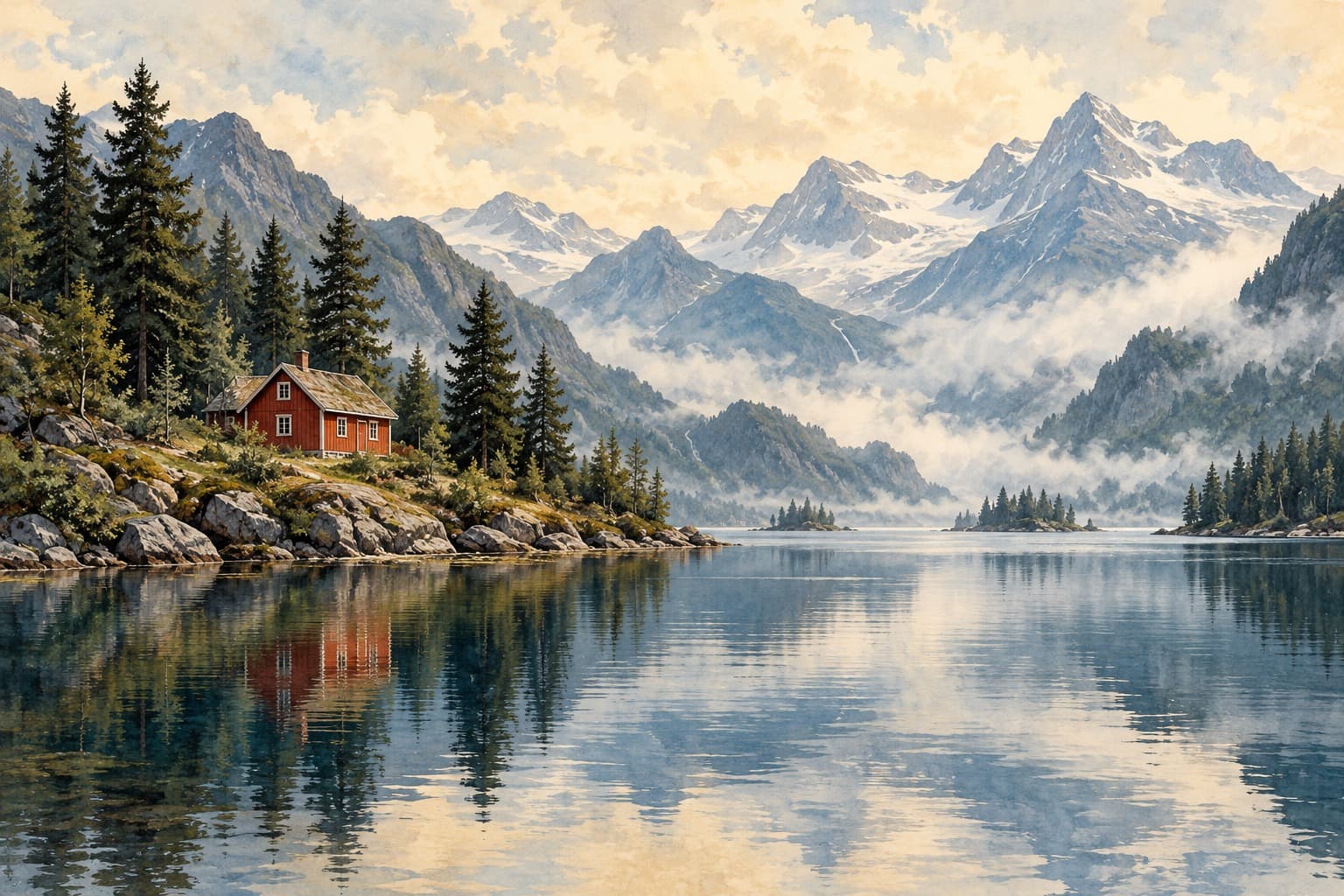
Red Cabin, Quiet Water
Compare this AI-generated landscape in its available paper and canvas formats. The product page shows the available sizes, finishes, prices, and mockups for the selected configuration.
Compare the artwork’s print options